
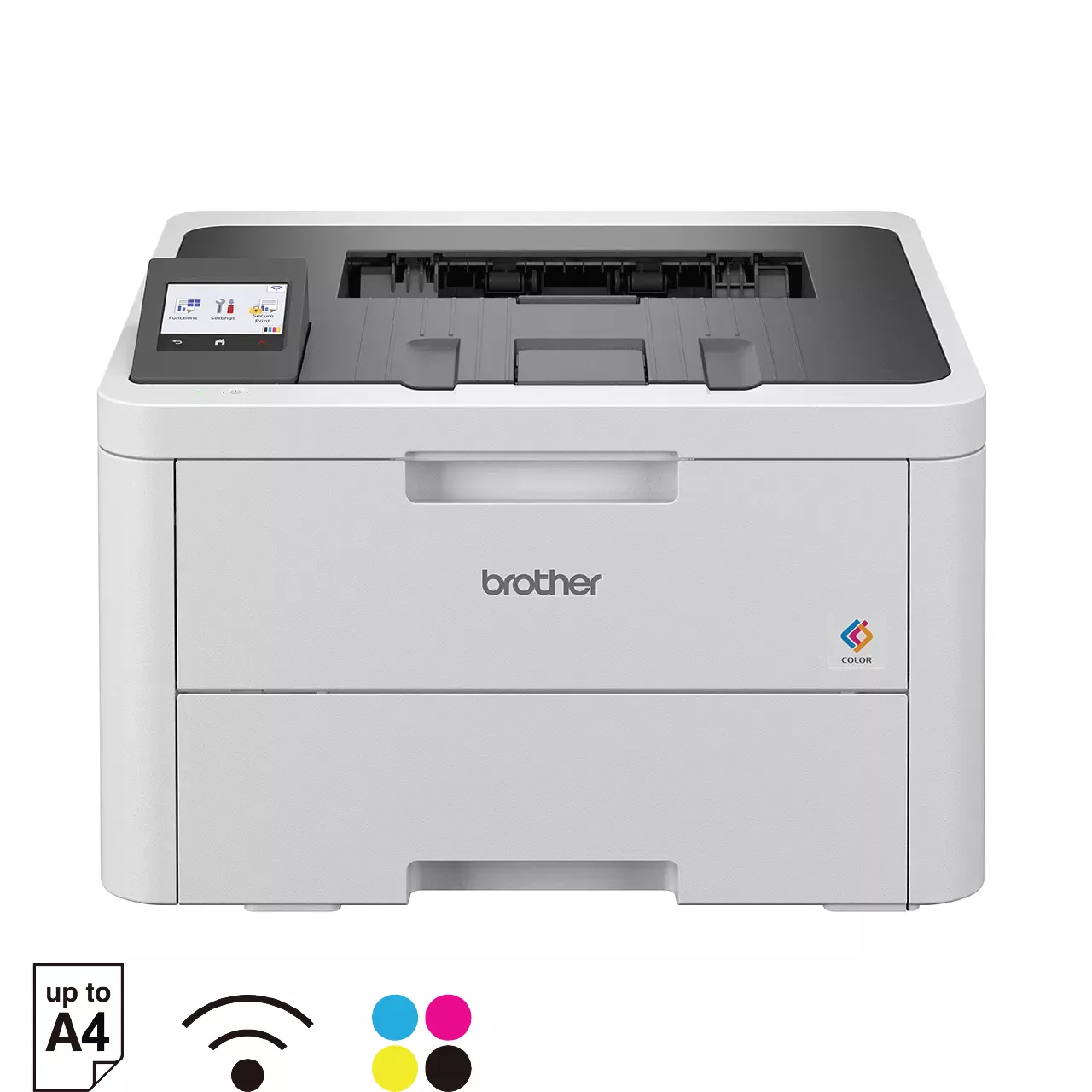
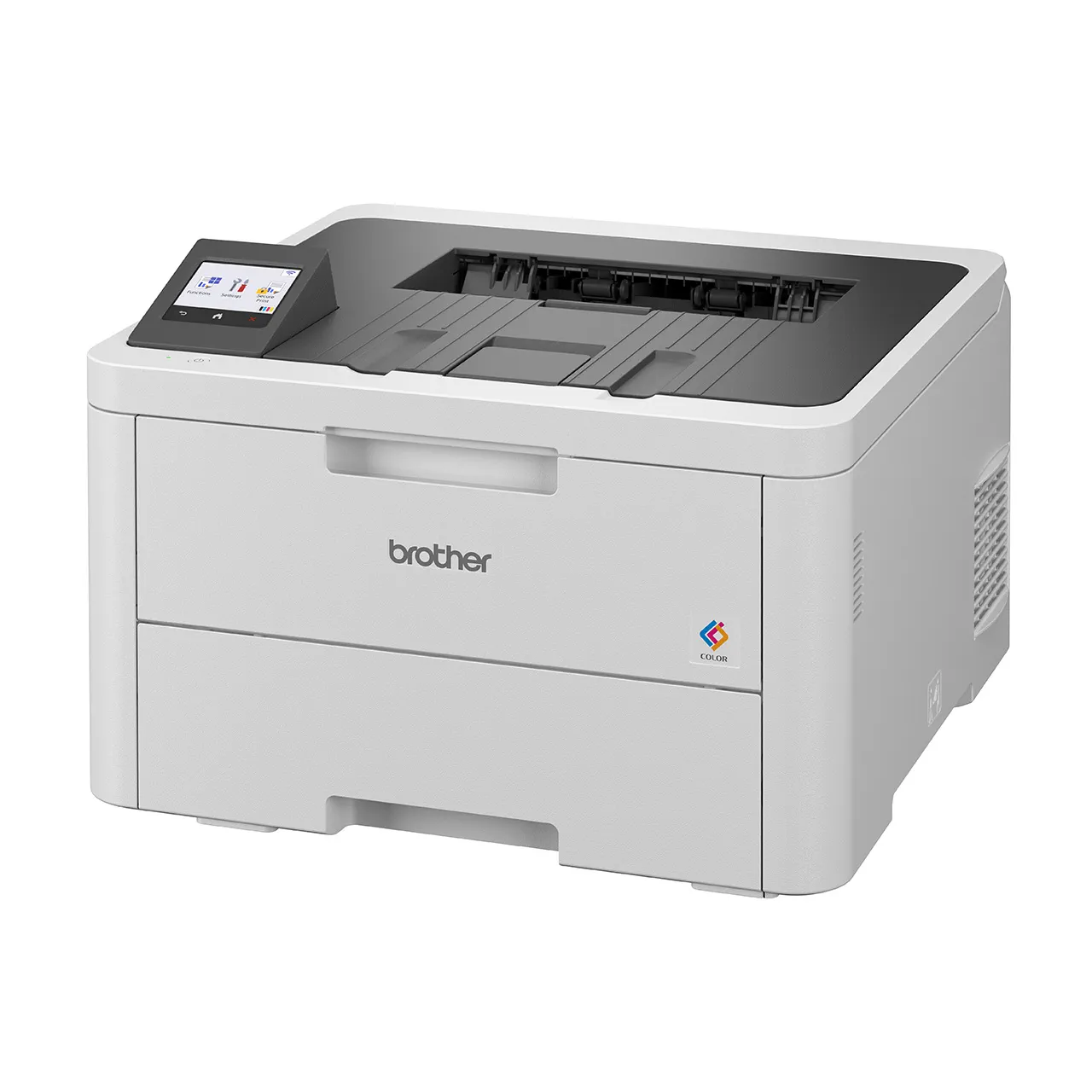
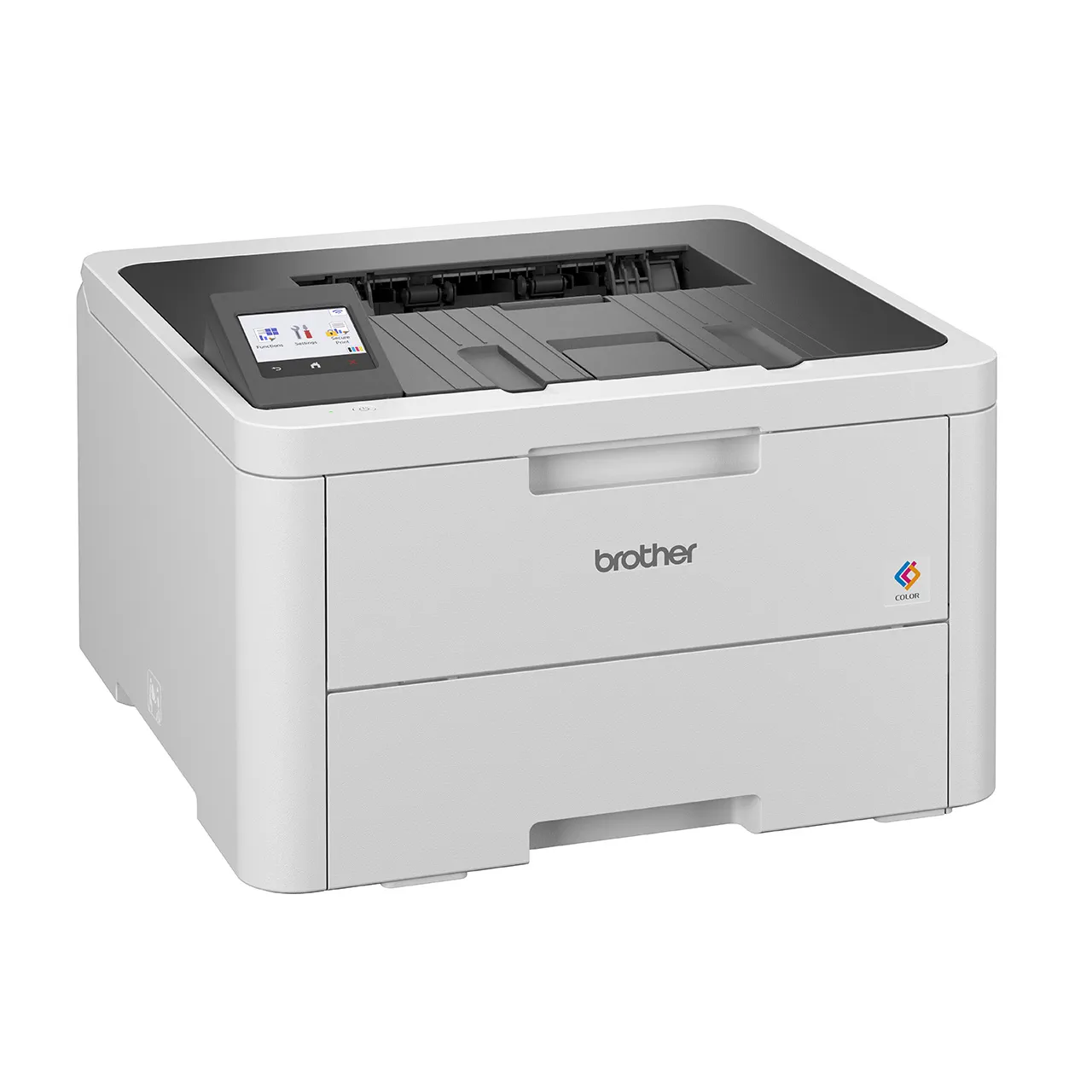
General Information
Functions: Print
Printer Type: Laser Printer
Product Dimensions (W × D × H): 399 mm × 399 mm × 274 mm
Weight: 11.4 kg
Print Speed:
Up to 26 ppm Mono / 26 ppm Colour (A4)
Up to 27 ppm Mono / 27 ppm Colour (Letter)
Paper Type: Plain Paper, Thin Paper, Thick Paper, Recycled Paper, Bond, Label, Envelope, Env. Thin, Env. Thick, Glossy Paper
Paper Size: A4, Letter, B5 (JIS), B5 (ISO), A5, A5 (Long Edge), B6 (JIS), A6, Executive, Legal, Folio, Mexico Legal, India Legal, 16K (195×270mm), A4 Short (270mm Paper), COM-10, DL, C5, Monarch
Maximum Paper Capacity: Up to 250 sheets of 80 gsm plain paper
Download Product Brochure (PDF)
Resolution: 600 x 600 dpi, 2,400 dpi class (600 x 2400) quality
2-Sided (Duplex) Paper Type: Plain Paper, Thin Paper, Recycled Paper
2-Sided (Duplex) Paper Size:
Letter, Legal, Folio, Mexico Legal, India Legal (For Philippines)
A4 (Except for Philippines)
Paper Handling
Tray #1 Maximum Capacity: Up to 250 sheets of 80 gsm plain paper
Manual Feed Slot Maximum Capacity: Up to 1 sheet
Paper Output:
Up to 150 sheets of 80 gsm plain paper (face-down delivery to the face-down output paper tray)
1 sheet (face up delivery to the face up output tray)
Connectivity & Network
Connectivity: Hi-Speed USB2.0, Ethernet 10Base-T/100Base-TX/1000Base-T, IEEE 802.11a/b/g/n (Infrastructure Mode), IEEE 802.11a/g/n (Wi-Fi Direct)
Wireless Network Security: WEP 64/128 bit, WPA-PSK (TKIP/AES), WPA2-PSK (TKIP/AES), WPA3-SAE (AES)
Note: Wi-Fi Direct supports WPA2-PSK (AES) only.
Wireless Setup Support Utility (WPS): Yes
Display & Memory
Display Type: 6.8 cm (2.7″) Colour Touchscreen LCD
Memory Capacity: 256 MB
Operation
Power Source:
220 – 240 V AC 50/60Hz
Taiwan: 110-120V AC 50/60 Hz
Power Consumption:
Ready: Approximately 70 W
Sleep: Approximately 10 W
Power Off: Approximately 0.04 W
Noise Level: 47 dB(A)
System & Software
Supported OS: Windows® Server 2012, Server 2012 R2, 10, Server 2016, Server 2019, Server 2022, 11
Included Software: BRAdmin Professional 4, iPrint&Scan
Mobile Apps: Mobile Connect
FAQS & TROUBLESHOOTING
- After Warranty Support
- Adjust color settings by using the custom setting in the printer driver (Windows only)
- Install the Brother Mobile Connect application (for mobile device)
- What is the default password for my Brother machine?
- How to resolve paper being jammed inside or within the paper tray?
- I get the “Authentication Error” or “Receiving Error” message when using Microsoft Exchange Online.
- General Troubleshooting / Other FAQs


